
SAP Business One · HANA and SQL Server
The reports your SAP Business One users send by hand, scheduled and certified
CertiReport connects to your companies with a read-only user, runs your queries and Crystal layouts on a schedule, splits the output per business partner and delivers it through your mail system. The sent documents land on the partner's record in SAP Business One, with a verification code the recipient can check.
The month-end problem
Three hundred customers, one accountant, one Crystal layout and a mail client
SAP Business One prints a statement for one business partner at a time. Sending it to every customer means typing the code and the dates, exporting, attaching and sending, three hundred times, and nobody can later prove what was sent. CertiReport makes that one schedule with a run history.
Statements to every customer
Iterate over customers picked from the company, a partner group or a query such as "customers with a balance". Each partner's code feeds the statement, the PDF goes to its contact persons in their language, and the run skips partners with nothing open.
Open items and dunning
Open invoices, receivables aging and an overdue reminder are among the seven starter reports. Schedule the reminder weekly with Send only when {Header.Overdue} > 0, attach it to the partner and log an activity so the sales employee sees it in SAP Business One.
Sales reports to sales employees
Iterate over active sales employees instead of partners: sales by business partner or by item for each employee's accounts, as a themed Excel file in their inbox every Monday morning, or as a table right in the e-mail.
Crystal Reports
Your layouts, from the company, without a user at a screen
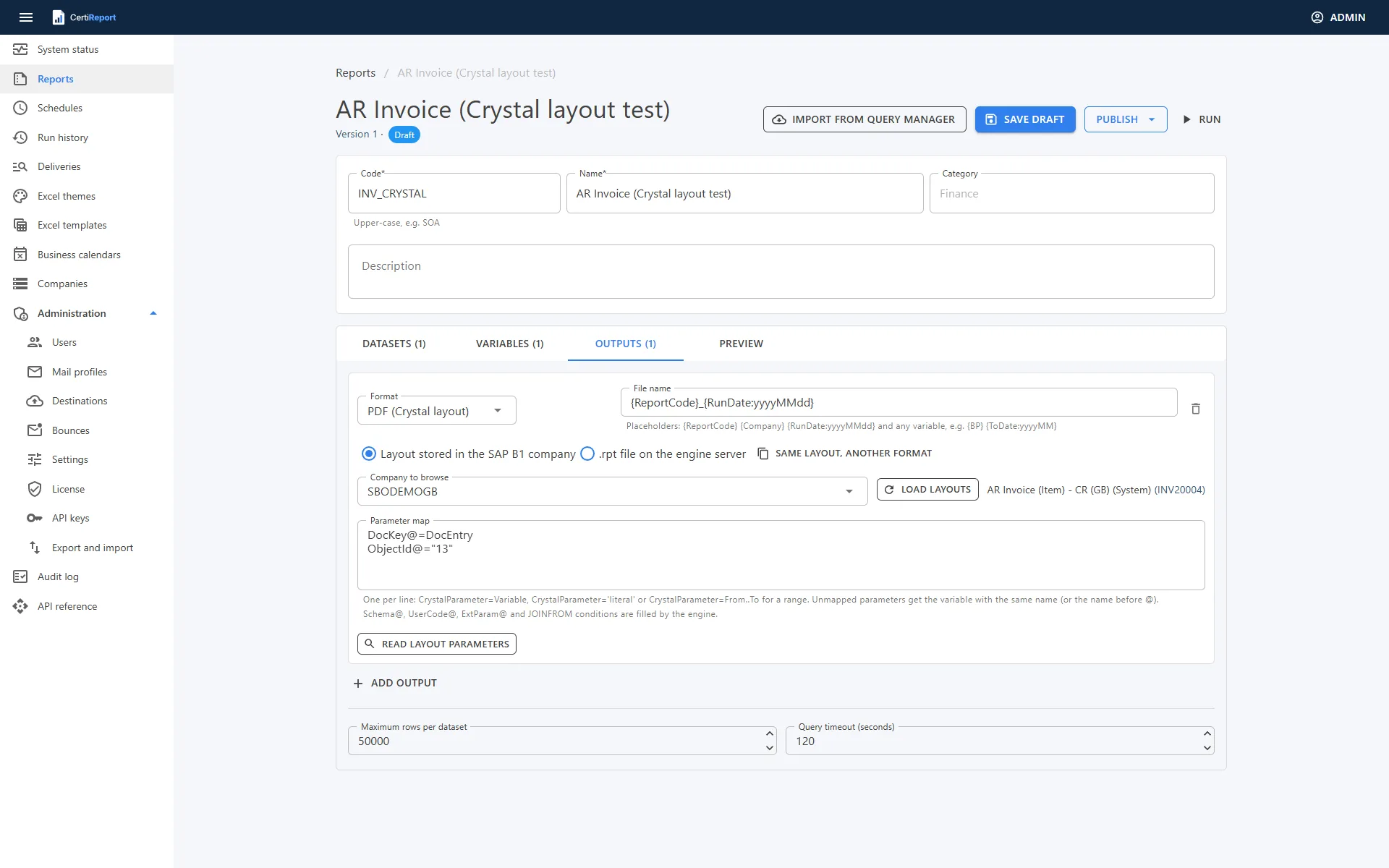
- Layouts from the company: the designer lists the Report and Layout Manager entries of the connected company, standalone reports and document layouts alike. The engine fetches the layout from the company database and caches it until it changes in SAP Business One. An
.rptfile on the engine server works too - Document layouts (DocKey@): a dataset over the document table, a
DocEntryvariable and the mapDocKey@=DocEntry,ObjectId@="13"render the AR invoice with its lines, totals and subreports; 17 for orders, 15 for deliveries, 14 for credit notes, 22 for purchase orders, 18 for AP invoices, 24 for incoming payments - Parameters read from the layout: the designer shows which are mapped, filled by the engine or still need a mapping;
Schema@,UserCode@,ExtParam@and JOINFROM conditions are filled for you, ranges takeFrom..To - Formats: PDF, Excel as printed, Excel data only, Excel 97-2003 and CSV from one run of the layout; a certified PDF gets the verification footer like any other
- Runtime: the optional Crystal feature binds to the SAP Crystal Reports runtime for .NET Framework already on the server, 32-bit or 64-bit, any 13.0 service pack. Layouts that depend on SAP Business One's print proxy (system reports fed by
PLD__ITEMS) do not run outside the client
Queries
Query Manager in, typed variables out
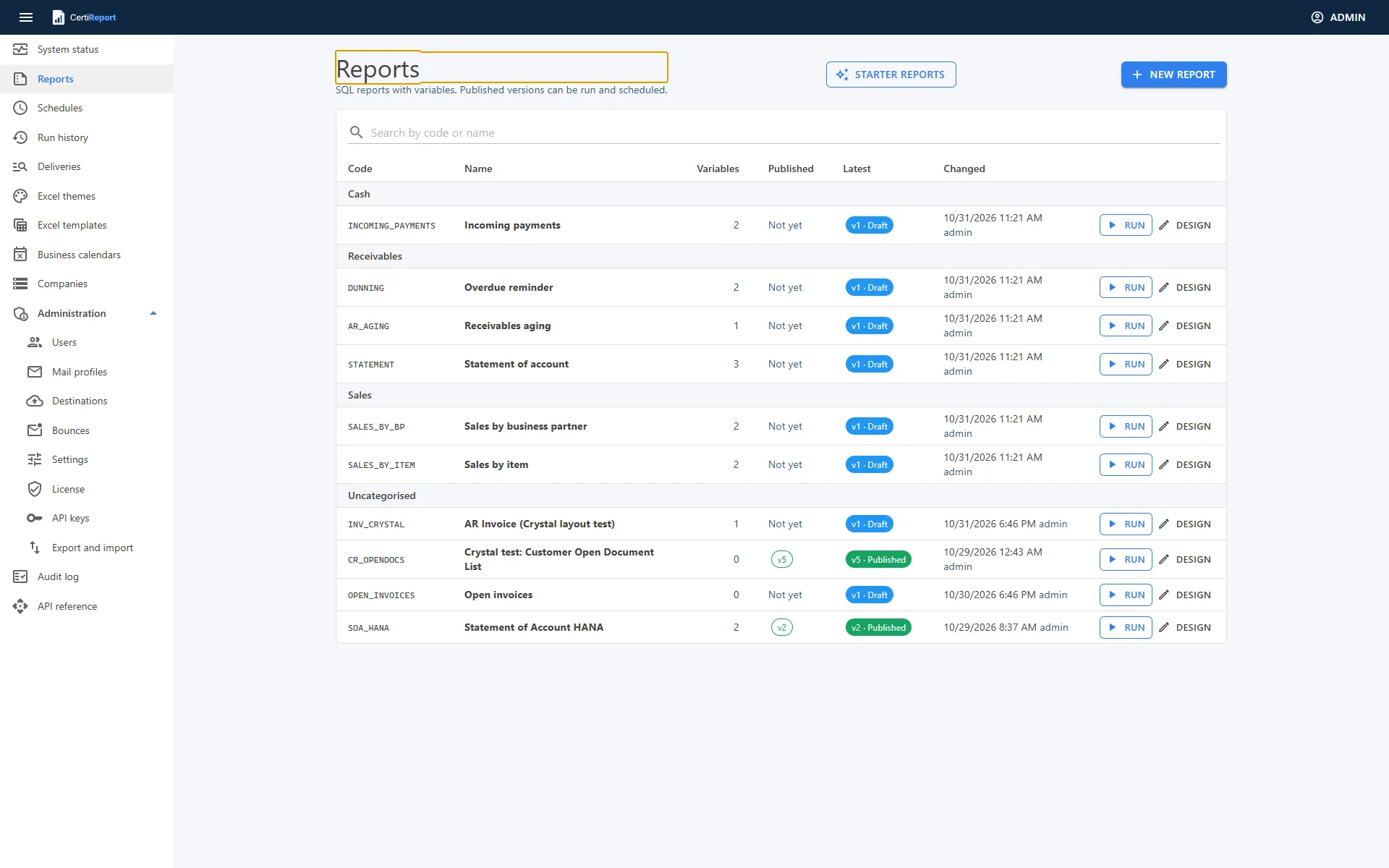
Import a query from Query Manager and CertiReport converts [%0]-style parameters, with their /* SELECT FROM … */ type hints, into typed variables with labels and pickers. For HANA companies it rewrites [Column] identifiers and common T-SQL functions. Keep one SELECT per platform in the same report when a customer runs on SQL Server and another on HANA.
- Starter reports written against the standard tables (OCRD, JDT1, OINV, ORCT and friends), imported as drafts and adapted to the customer's localisation
- Pickers for customers, vendors, items, sales employees, groups, warehouses, projects, branches, currencies and payment terms; SQL lookups for anything else
- Values bound as parameters, a single SELECT enforced, and the results shown in the designer before you publish
Platforms and access
HANA and SQL Server, read-only, no add-on
SAP HANA
The engine loads SAP's ADO.NET provider from the SAP HANA Client 2.x (64-bit) installed on the server, the client that ships with SAP Business One; nothing is redistributed. Tenant databases are addressed with databaseName=NDB in the company's additional options. The company page shows the detected company name, database version and SAP Business One version.
Microsoft SQL Server
Companies on SQL Server connect through the SQL Server client with the same report definitions; the SQL safety guard parses the statement with ScriptDom and accepts a single SELECT. The Crystal sidecar reaches the company through ODBC Driver 17 for SQL Server, or a connection string you provide.
A read-only user, verified
Scripts in the setup's sql folder create a reporting user for HANA and for SQL Server with SELECT on the company only. The connection test connects, confirms the database is an SAP Business One company and lists any right the user holds to change data; the Companies page badges read-only users.
Service Layer for write-back only
Attachments and activities are written through the company's Service Layer with a SAP Business One user and the company database you configure, tested with one click. Reporting itself never goes through the Service Layer.
Write-back
The statement your customer received, on their master record
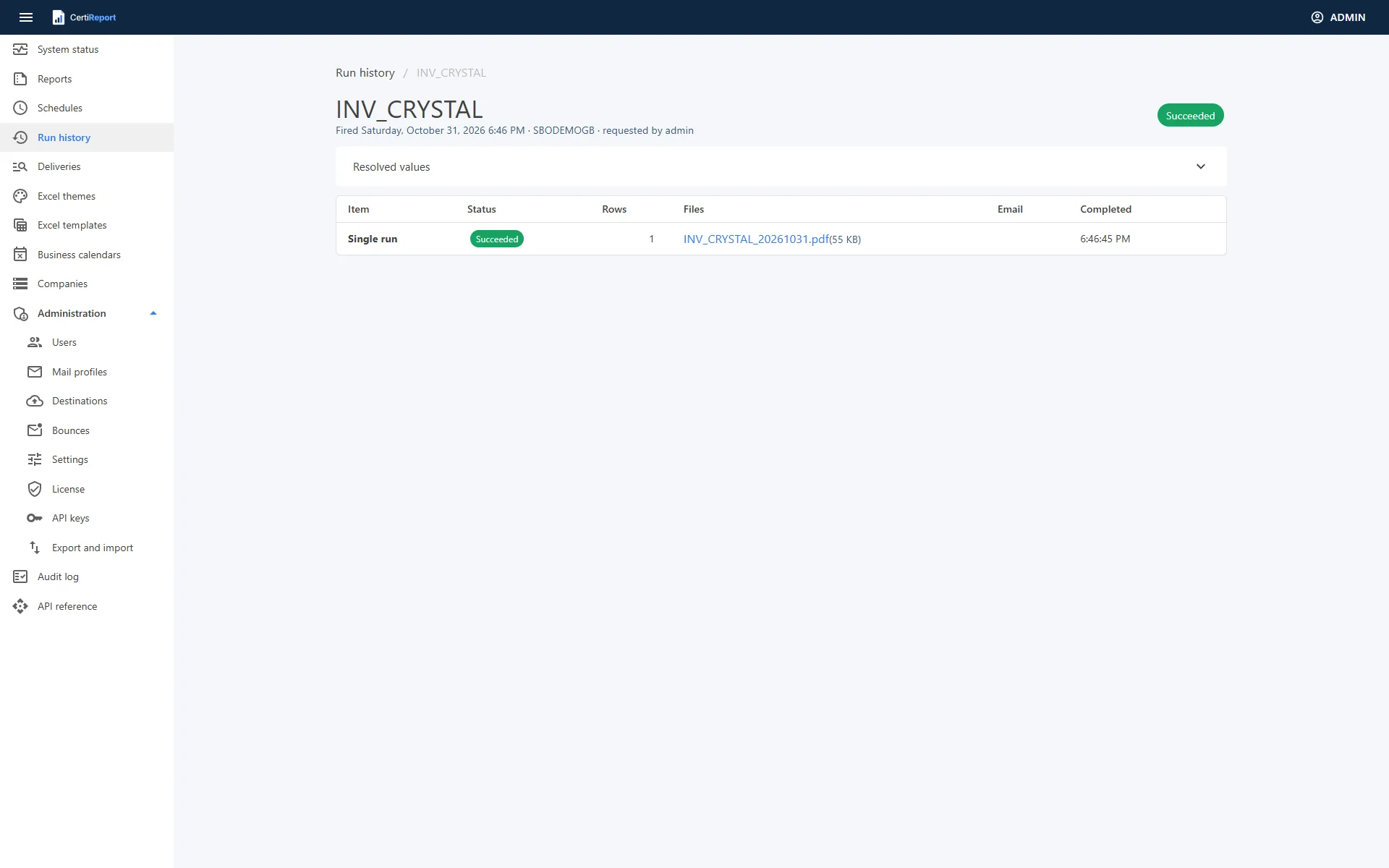
After each item is delivered, the schedule attaches the files to the business partner's Attachments tab and logs an activity with your text and the files, through the Service Layer. Anyone opening the partner in SAP Business One sees what was sent, when, and can open the very PDF the customer holds. A write-back failure is noted on the item without failing the run.
- Contact persons and their e-mail addresses are re-read from the company at send time, so a changed address is honoured
- A partner's SAP Business One language chooses the message variant; its default contact starts ticked
- Partner groups (OCRG) are expanded at run time to their current members
Partners and hosting providers
One server for all your customers
Several companies per server
Add any number of SAP Business One companies, each with its own time zone, logo, signing certificate, Service Layer sign-in and Max concurrent queries. Schedules are per company; users and roles are shared.
Licence per company
A licence entitles a number of active companies on one CertiReport server. Deactivating a company frees its slot; a bigger licence replaces the current key without reinstallation. Partner pricing grows with the fleet.
Repeatable rollouts
Silent setup with every option on the command line, export and import of reports, calendars and schedules between test and production, a prerequisite check per server, API keys per integration, Prometheus metrics and a webhook for your monitoring.
Partners
Run CertiReport for your SAP Business One customers
Licensed per active company on one server, so a partner licence grows with the customers you host. Ask us about multi-company pricing and a partner demo.