
SAP Business One · SAP HANA and Microsoft SQL Server
Every report, on time. Every PDF, provable.
CertiReport schedules the reports your SAP Business One users send by hand: statements of account to every customer, open items to every sales employee, Crystal layouts, Excel and CSV extracts. Each run is split per business partner, delivered by e-mail, folder, SFTP, SharePoint or Teams, written back to SAP Business One and sealed with a verification code anyone can check.
- SAP HANA and SQL Server companies
- Excel, CSV, PDF and Crystal Reports output
- Verification code and QR on every certified PDF
- Read-only database user, no add-on inside SAP Business One
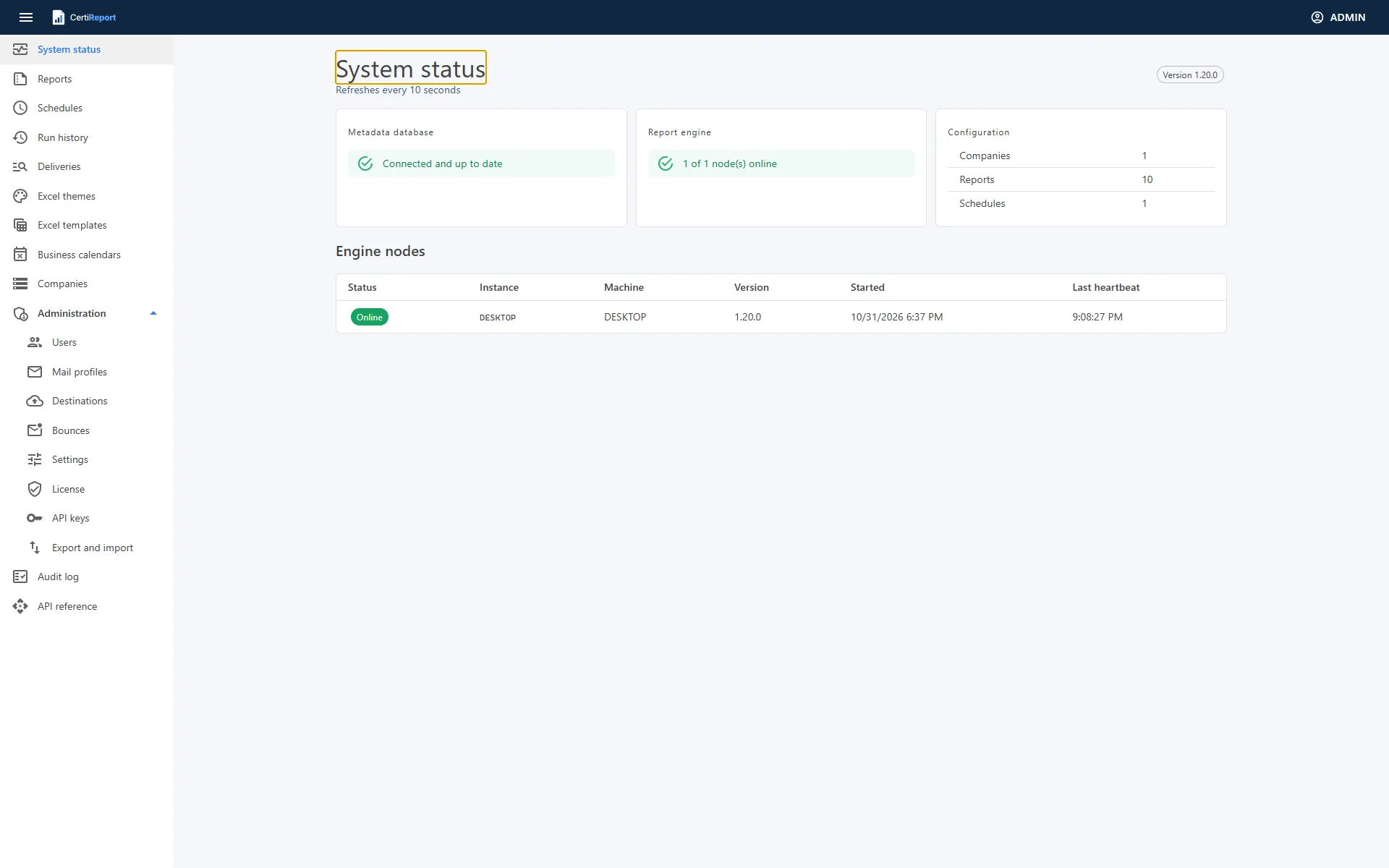
Delivered where your customers and colleagues already look
Why CertiReport
Replace the month-end routine of running, exporting, attaching and sending
In most SAP Business One companies someone opens a query or a Crystal layout, types the customer code and the dates, exports the result and mails it, one customer at a time. CertiReport turns that routine into a schedule: the variables are bound by rules, the output is produced once per business partner, the e-mail goes out through a retrying outbox, and every step is recorded.
Every customer, one e-mail
A schedule iterates over business partners picked from SAP Business One, a partner group or any query. Each partner's code feeds the reports, the files go to the partner's contact persons, and several reports that share the Business Partner concept arrive as one message with every attachment.
Documents the recipient can verify
A certified PDF carries a verification code and a QR code in its footer. The public verification page shows issuer, report, issue date and hash, and compares an uploaded copy byte for byte. Optionally the PDF is signed with the company's certificate and protected with an open password.
Nothing leaves without a trace
Published report versions are immutable and can require a second person to publish. Schedules can wait for approval before anything is sent. A hash-chained audit log records sign-ins, changes and runs, and the sent files are attached to the business partner in SAP Business One.
What it does
From a SELECT to a certified document in the customer's inbox
Eight areas, one portal, one audit log. Every capability is available in every edition.
Report definitions
Versioned reports with one SELECT per platform, typed variables bound as parameters, SQL lookups, built-in SAP Business One pickers, date expressions such as @EndOfMonth(-1) and rules checked before every run. Import straight from Query Manager.
Scheduler and iteration
Cron triggers in the company's time zone, business calendars with holiday policies, misfire and overlap rules, and one run per business partner, sales employee or any row of a query. Checks and the next five run dates before you save.
Learn more →Delivery
E-mail through SMTP or Microsoft 365 with a rich-text message, placeholders, language variants and data tables; download links instead of attachments; folder, SFTP, SharePoint and Teams. A transactional outbox retries and records every attempt; bounces are read back.
Learn more →Certified PDFs
HTML templates rendered in headless Chromium with the company logo, page numbers, a verification code and a QR code. A public verification page and API, PKCS#7 signature with the company's certificate, AES-256 open password and DRAFT or COPY watermarks.
Learn more →Excel, CSV and Crystal Reports
Themed Excel with title block, totals and a Parameters sheet, or a workbook you designed in Excel filled with markers. CSV. Crystal layouts from an .rpt file or straight from the SAP Business One company, as PDF, Excel, Excel 97-2003 or CSV.
Learn more →Write-back to SAP Business One
After an item is delivered, the files are attached to the business partner and an activity is logged, through the company's Service Layer. The statement your customer received is on their master record for everyone to see.
Learn more →Governance
Six roles, authenticator-app MFA for administrators, Windows and Microsoft sign-in, four-eyes publishing, approval before sending, a hash-chained audit log and secrets stored encrypted. Reports run under a read-only database user that the connection test verifies.
Learn more →Operations
Two Windows services with an embedded PostgreSQL, a prerequisite check, failure alerts, a weekly digest, Prometheus metrics, a webhook, a REST API with API keys, export and import between test and production, nightly backups and retention.
Learn more →Inside the portal
Real screens from a real company
Captured from the CertiReport portal connected to an SAP Business One demo company. The same screens in every edition, in English, Arabic and French.
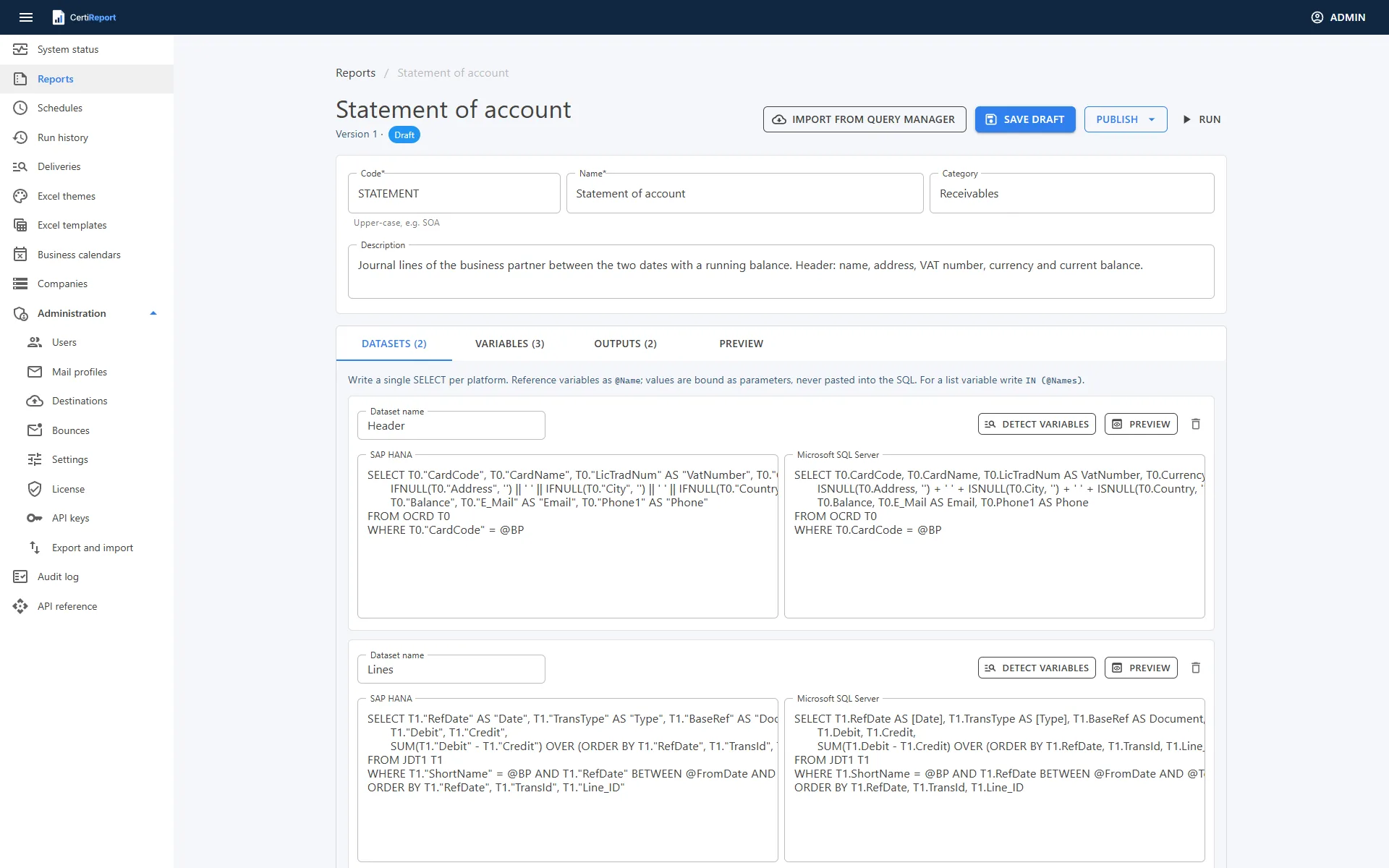
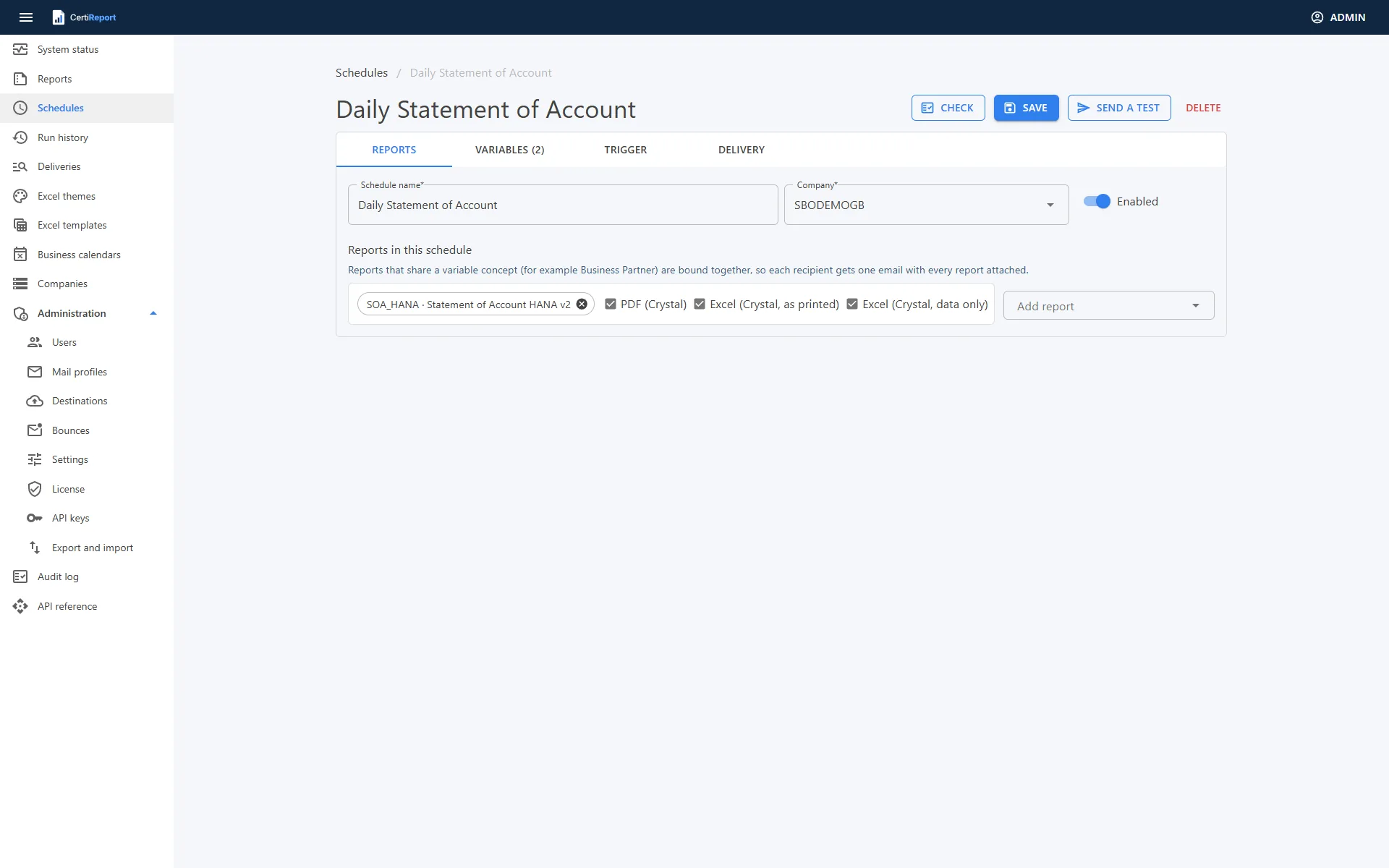
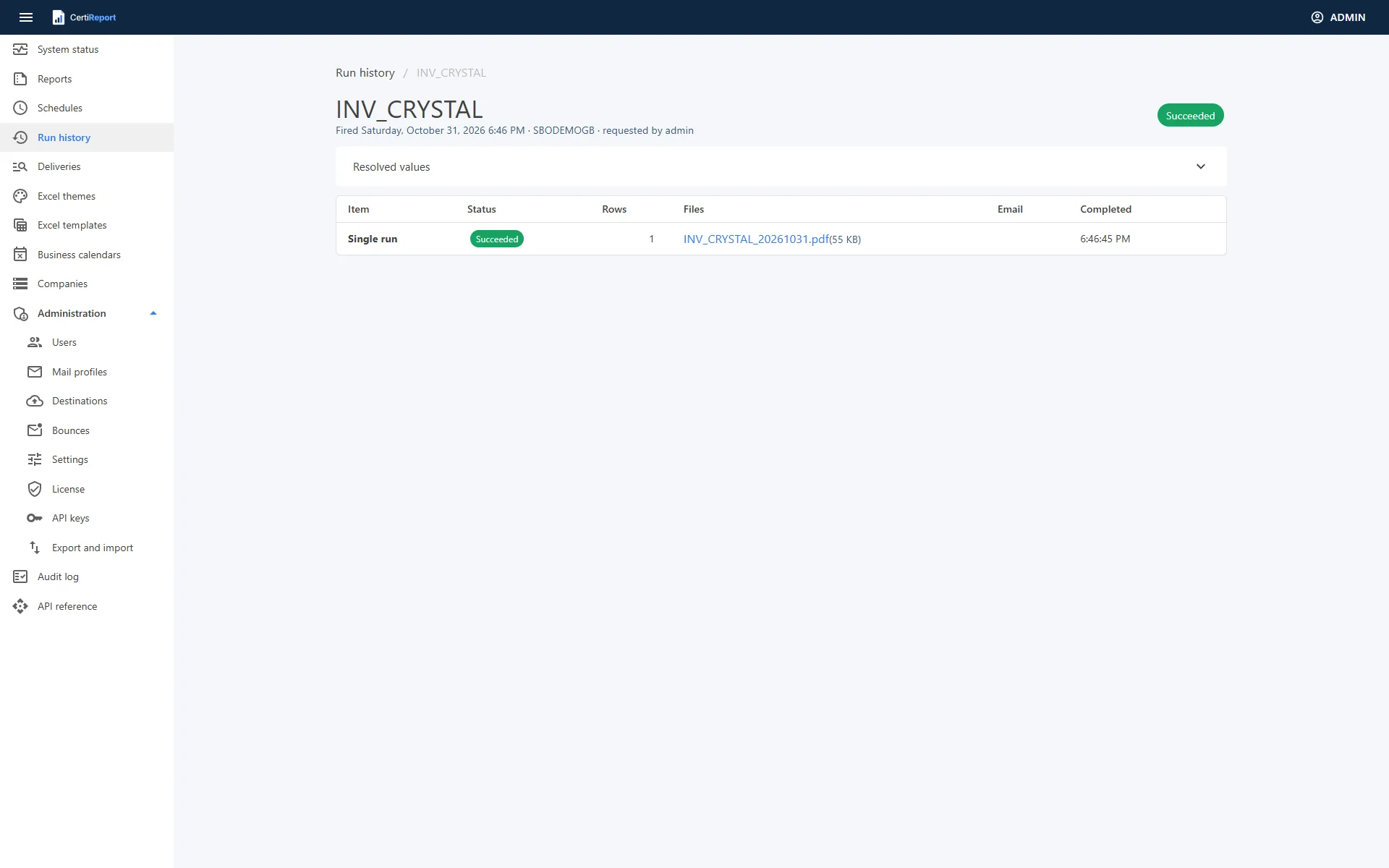
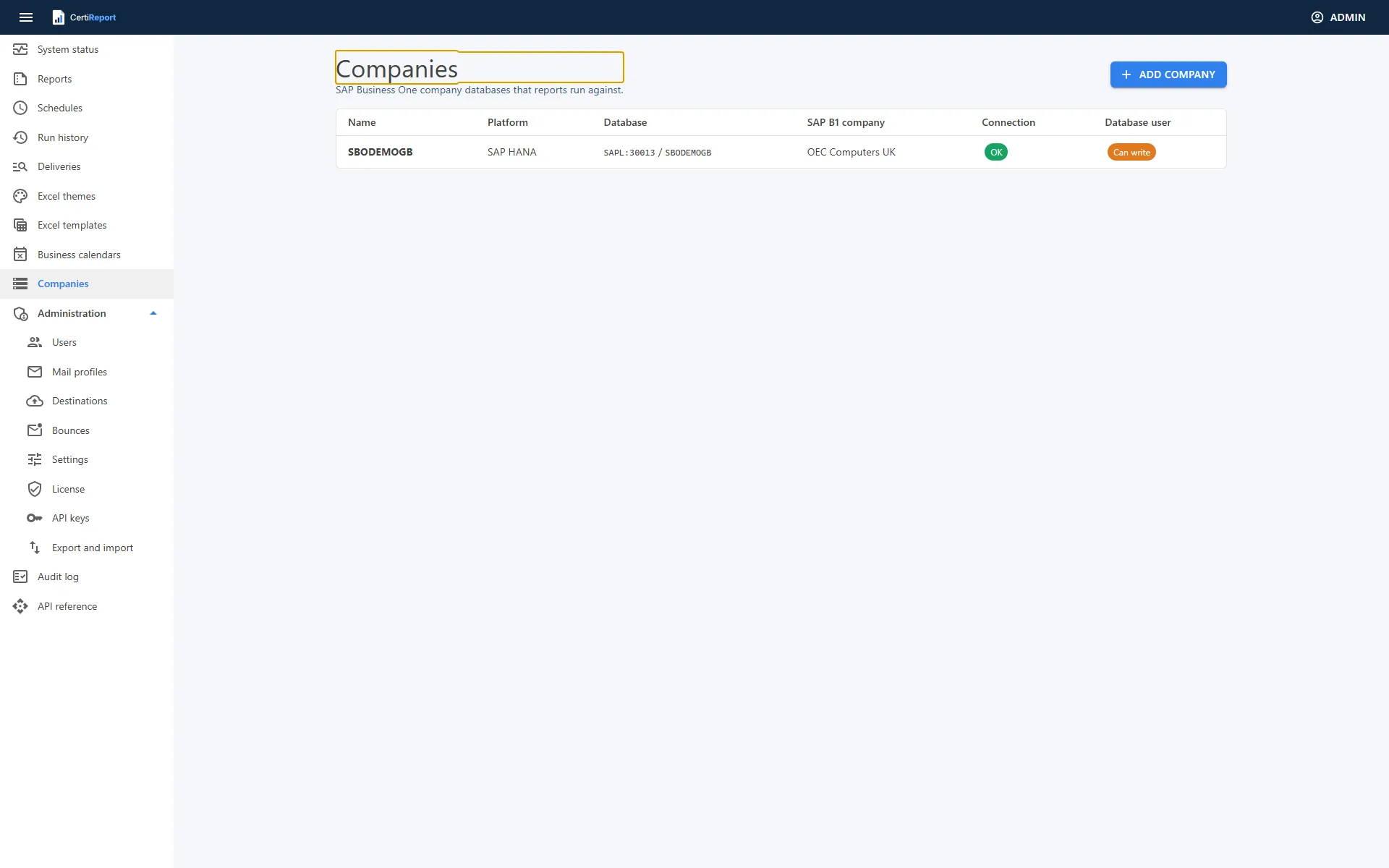
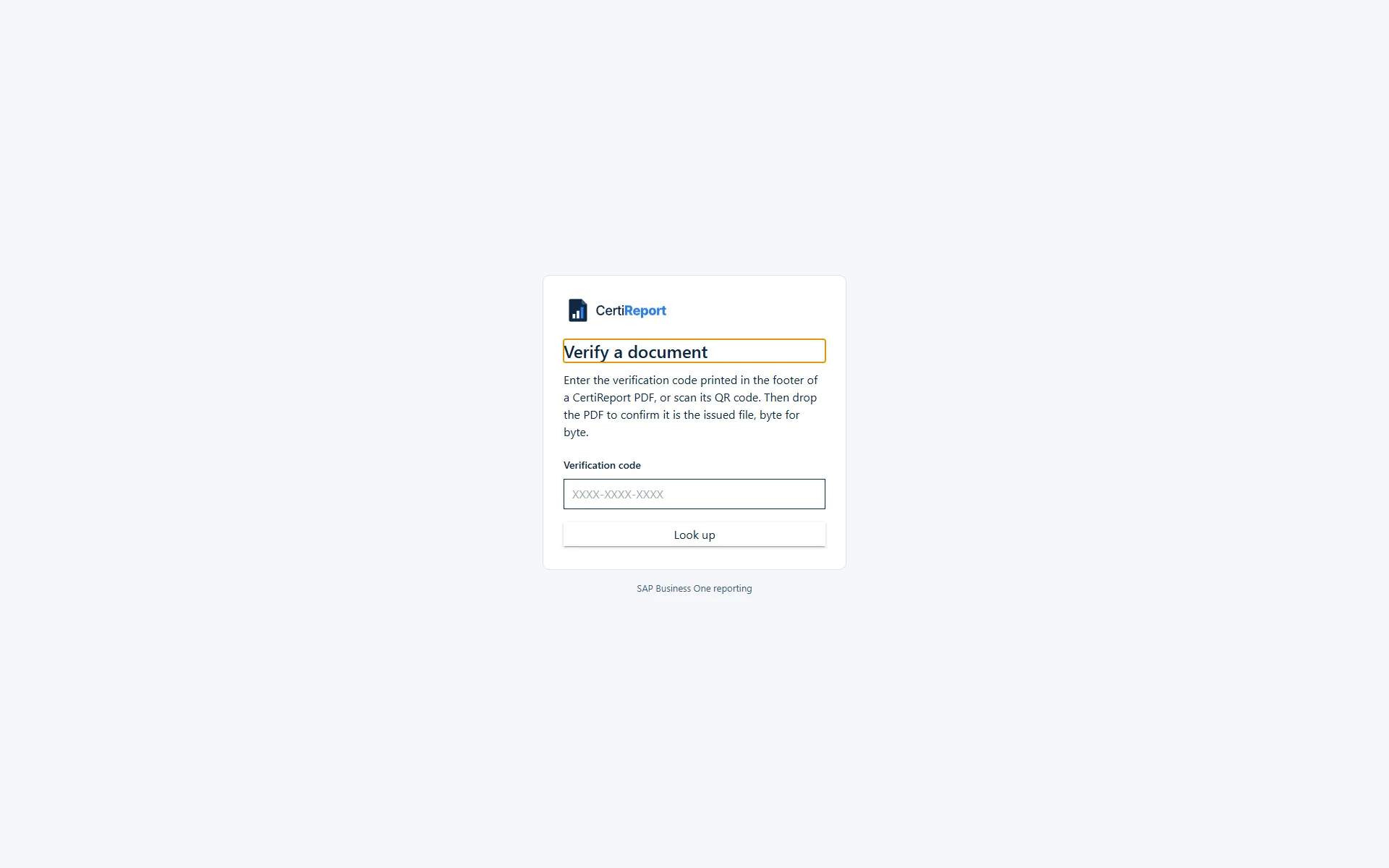
Click a screen to enlarge it.
How it works
Statements out to every customer before the first coffee of the month
CertiReport is one Windows setup. It installs the portal, the engine and its own database as Windows services on a server that reaches your SAP Business One database. Nothing is installed inside SAP Business One.
Install and connect a company
Run the setup, sign in, add the SAP HANA or SQL Server company with a read-only database user. The connection test confirms it is an SAP Business One company and lists any right to change data.
Define or import the report
Start from one of the starter reports, import a Query Manager query or write a SELECT with @Variables. Add a PDF template, an Excel theme or a Crystal layout from the company. Publish the version.
Schedule it over business partners
Pick the partners or a partner group, bind the dates with expressions, write the e-mail with placeholders, choose the formats and channels. Check shows every item and recipient; Send a test mails one to you.
Watch run history
Every run lists its items, files, messages and delivery attempts. Retry a failed item, resend a message, approve a waiting run, and search every delivery by address, partner or file name.
For SAP Business One partners
One server, several companies, one licence per company
A CertiReport server connects to any number of SAP Business One companies on HANA or SQL Server, each with its own time zone, logo, signing certificate, Service Layer and concurrency limit. Partners and hosting providers run one portal for every customer and license the companies that are active.
- Seven starter reports for HANA and SQL Server against the standard tables, imported as drafts and adapted to the customer's localisation
- Crystal layouts read from the company's Report and Layout Manager, document layouts included
- Export and import of reports, calendars and schedules to move a configuration from test to production
- Max concurrent queries per company, so a burst of 1,000 statements never starves the production database
A monthly statement run, as the schedule sees it
Reports    SOA (Statement of account), OPENITEMS
Trigger    1st of the month 06:00 · Europe/London · skip holidays
BP         iterate: customers with a balance ≠ 0
FromDate   @StartOfMonth(-1)      ToDate  @EndOfMonth(-1)
Formats    PDF (certified, signed) + Excel (themed)
Deliver    e-mail to contact persons · copy to SharePoint
After      attach to the partner · log an activity in SAP B1
Variables that share the Business Partner concept are bound once; every customer receives one e-mail with both reports attached.
Licensing
Licensed per SAP Business One company. Every feature in every edition.
A licence entitles a number of active companies on one CertiReport server. Standard, Professional and Enterprise differ in the number of companies and the support agreement, never in capability.